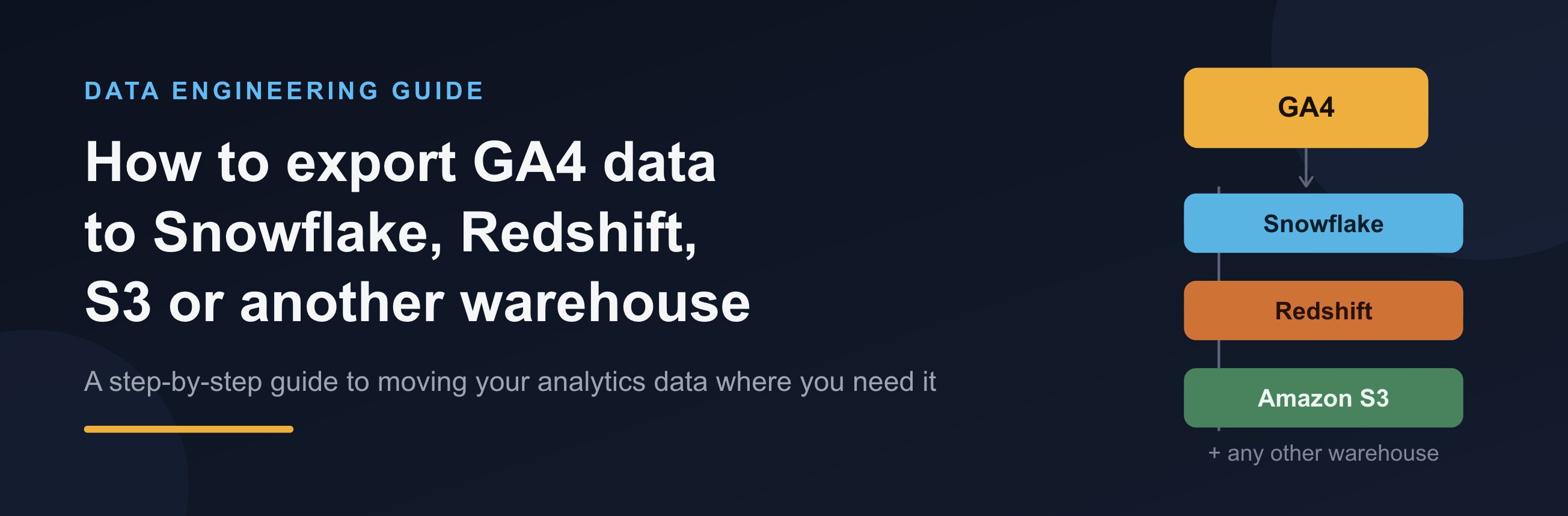
GA4 is by far the most popular digital analytics platform out there. The landscape for data storage solutions is much more fractured, and therefore, the native export only supporting BigQuery is not ideal for many businesses.
In this article, we’re discussing solutions for exporting GA4 data into alternative destinations, including Snowflake, Redshift, S3 and others.
Option 1. Exporting from BigQuery to another destination
The first option many companies opt for is using the native export to send data from GA4 to BigQuery using the native export provided by Google. They would then build a custom pipeline or use a data transfer service to move/copy data from BigQuery to their desired destination.
While this solution works for some companies, there are a few significant issues involved here.
Paying for two platforms
If the only reason to use BigQuery is to be the middleman holding your data before sending it to your desired platform, it’s hard to justify paying for it. A better solution would be exporting data from GA4 to the final destination directly.
Limited to 1 million events per day
The free version of GA4 is limited to only 1 million events per day. This is not enough for most companies with serious traffic. You could upgrade to GA4 360, but that’s out of budget or difficult to justify for many.
See below for solutions that overcome the 1 million event limit entirely.
Data delays
The daily batch load timing from GA4 to BigQuery can be inconsistent. This can break any pipelines moving data from BigQuery to your final destination. Not to mention any BI and other workflows that depend on the data being available at a certain time.
See below for solutions that deliver data to your destination by a fixed time every day.
Option 2. Parallel Tracking
Parallel Tracking is a tool that duplicates your GA4 hits during collection and processes them exactly as GA4 does. The data is then stored in your data warehouse (BigQuery, Snowflake, Redshift, S3 or any other vendor is supported).
Read more about Parallel Tracking
The setup is very easy and depends on how GA4 has been implemented on your site: Google Tag Manager, Server-Side GTM, CRM Plugin, gtag.js and many other methods are supported out of the box.
The only other step left to configure is providing Parallel Tracking access to your data destination – usually this is going to be a key file or some other format of access token.
Parallel Tracking comes with several benefits over the native export to BigQuery.
Avoid paying for two data storage platforms
Parallel Tracking allows you to send your GA4 data straight into your desired data destination – be it Snowflake, Redshift, S3 or any other vendor out there.
No 1 million event limit
Parallel Tracking does not have a daily limit. Some Fortune 100 companies are collecting 100M+ events daily.
Reliable schedule
Unlike the native export, Parallel Tracking sends data into your data warehouse exactly when you need it. Real-time and hourly exports are also available.
Cost
Compared to GA4 360, Parallel Tracking is several times cheaper. Click here to learn more and get a quote.
If you have any thoughts or know another alternative to the native export, please share your comments below.